Watch your money grow through college.
Track what you save and spend, set a goal you'll actually hit, and see whether your current pace gets you there — before the semester's over.
Free forever · No credit card · No bank login
The toolkit
What you get with PocketProsperer
Seven screens that turn "I should probably save more" into a number you can actually watch move.
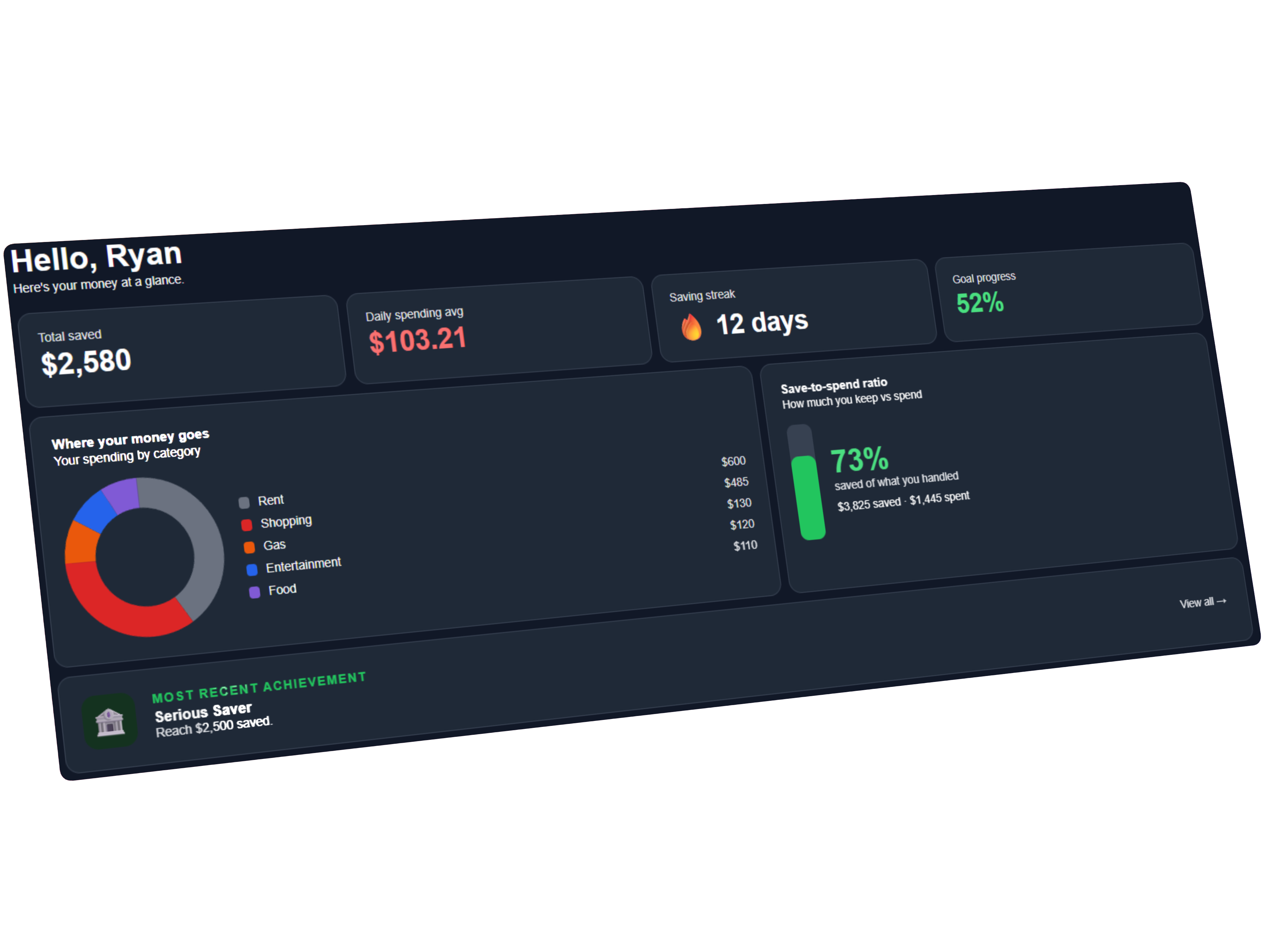
Your whole financial picture the moment you log in — money saved, goal progress, spending so far, and what's left this month, all on one screen.
Three steps
How it works
Set it up once, log as you go, and let the math tell you whether you're on track.
Setup
Answer a few quick questions to get started — your savings goal and target date, what you've already put away, your spending categories, and any recurring income or expenses. It takes a couple of minutes, and PocketProsperer handles the math from there.
Daily entries
Log money as it moves — a few taps to add what you saved or spent, tagged by category. Your recurring income and bills post automatically, so most days you're just capturing the extras.
Reach your goal
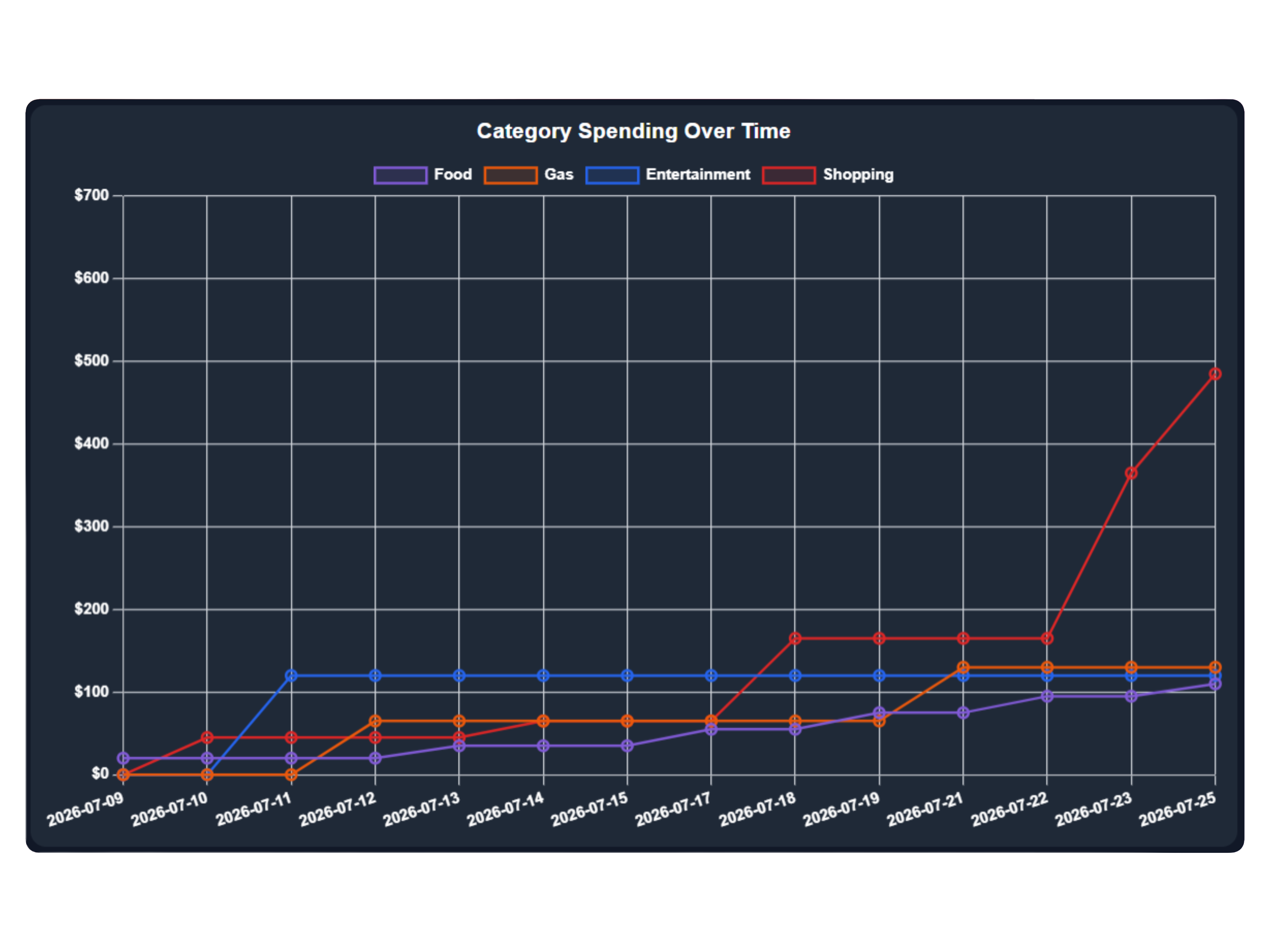
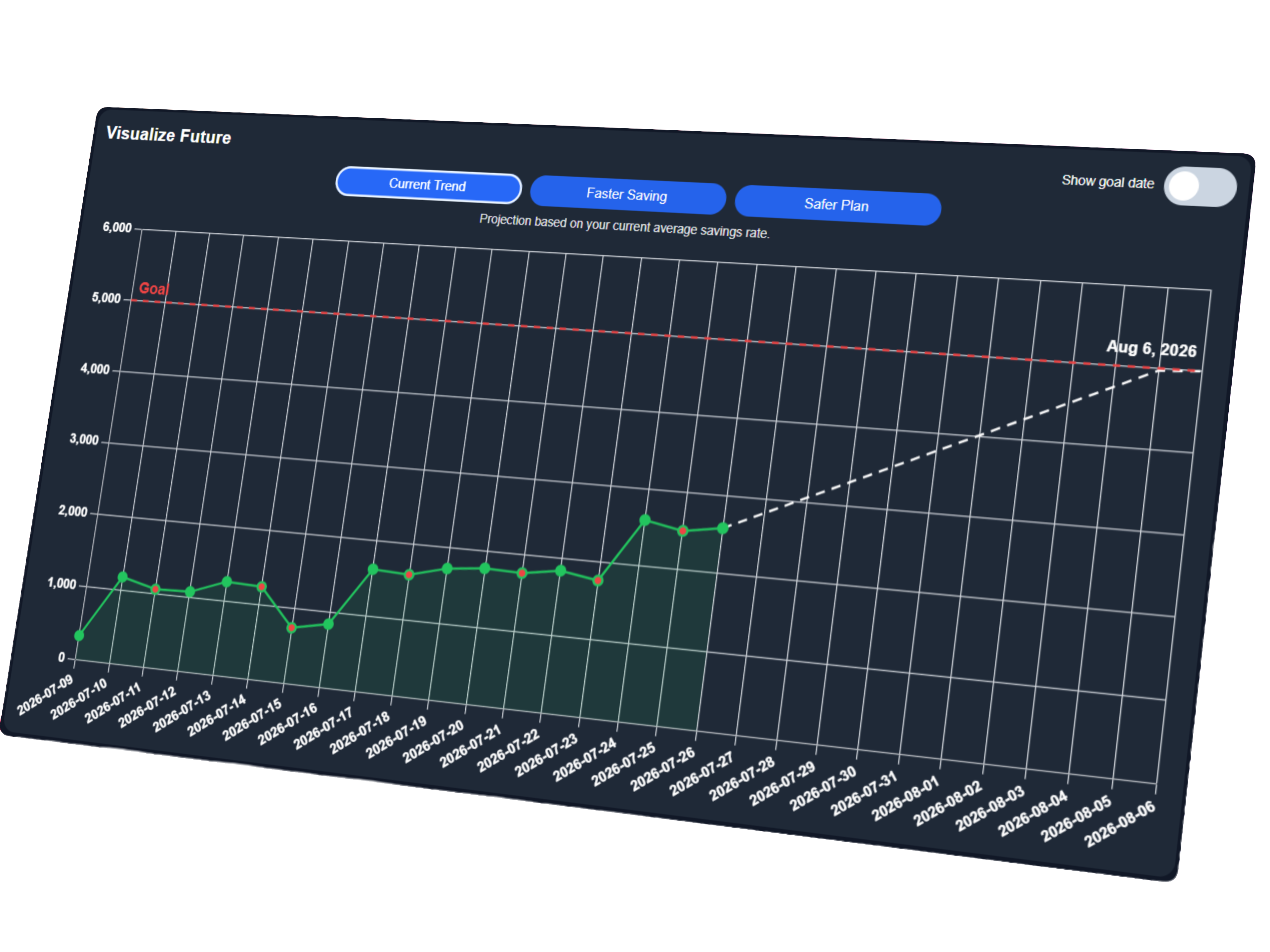
Watch your progress bar climb toward your goal while the app projects whether your current pace gets you there. Spending breakdowns show where to cut back, streaks and achievements keep you motivated, and every entry brings the finish line closer.
Real screens
See it in action
No mockups or marketing renders — this is the actual app.
Free, no catch.
PocketProsperer is free for students. No credit card, no trial clock, no ads selling your spending habits.
Questions
Good to know
Is it really free?
Yes. PocketProsperer is free to create an account and use. There's nothing to buy to get the full planner.
Who can see my financial data?
Only you. Your planner is tied to your own account, and each person can only access their own information.
Do I need to connect a bank account?
No. You enter what you spend and earn yourself — nothing links to your bank, so there's no banking login to hand over.
Will my data still be there when I come back?
Yes. Everything saves to your account automatically, so you can log in from anywhere and pick up where you left off.